Keep the core local
Vehicles, costs and service history begin in app-private storage without requiring a personal account.
 DRILORE
Encrypted backup & recovery
Drilore 1.1 keeps the core Garage local. You choose when to export and where to store the encrypted .drilorebackup file. Moving a file is not continuous cloud or family sync.
The practical purpose
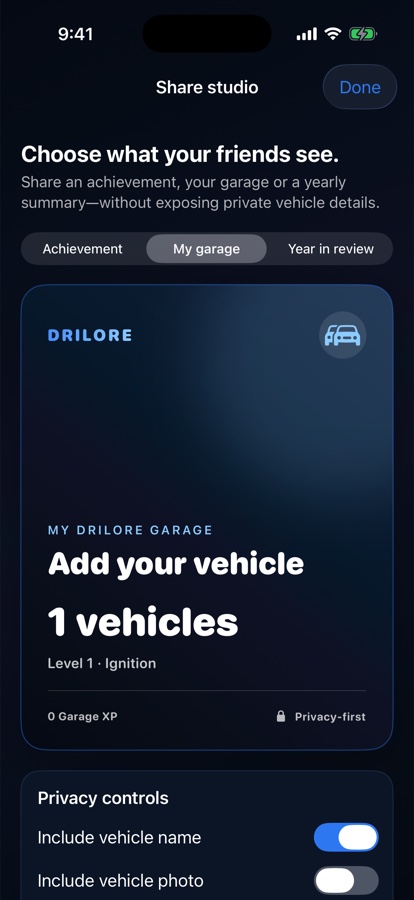
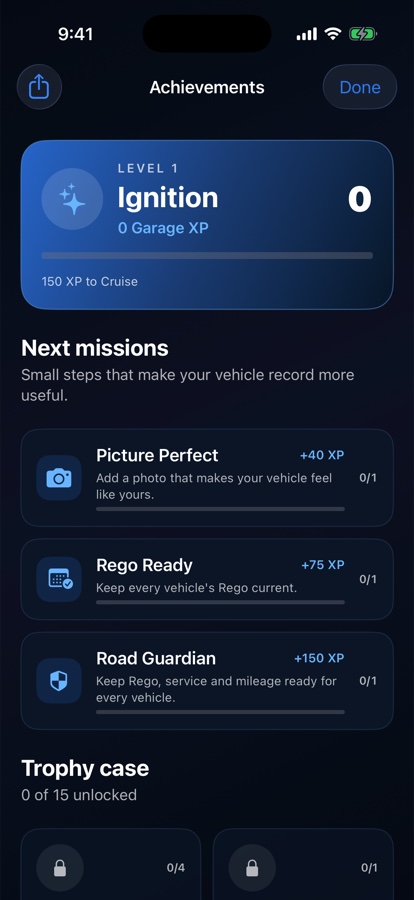
Real earlier Drilore 1.1 simulator examples with no customer data. Newer beta layouts may differ.
Vehicles, costs and service history begin in app-private storage without requiring a personal account.
Export an encrypted Garage file, choose its storage destination and keep the password separately.
Compatible iPhone and Android versions read the backup format. Review a merge or explicitly choose replacement; verify the restored vehicles, costs and photos.
One short workflow
Evidence and limits
Vehicle information can still relate to a person. Drilore treats linkable vehicle data with personal-information care even when the App does not ask for the owner’s name.
Read the complete privacy boundary →Use it with confidence