One service, several pages
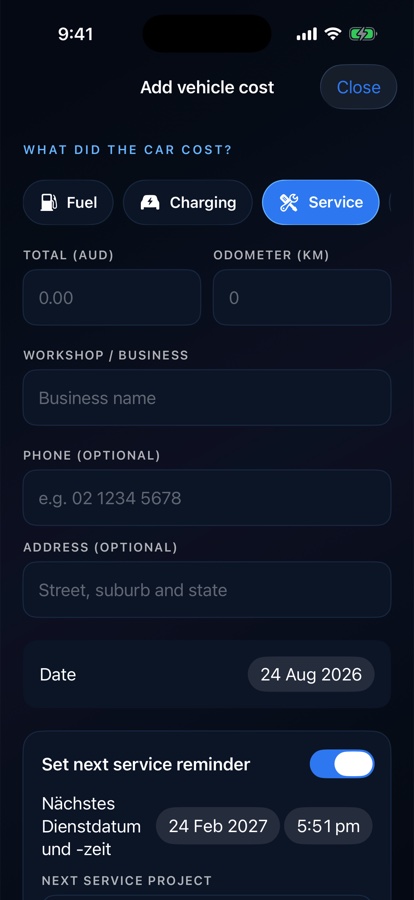
Capture or select up to 12 photos, check their order and keep them with one expense. Recognition runs on the device; every field remains a draft.
 DRILORE
Service history & resale
Four pages can describe one service. Add the pages together, review the editable draft and save one record with its original evidence — without turning uncertain recognition into a hard stop.
The practical purpose
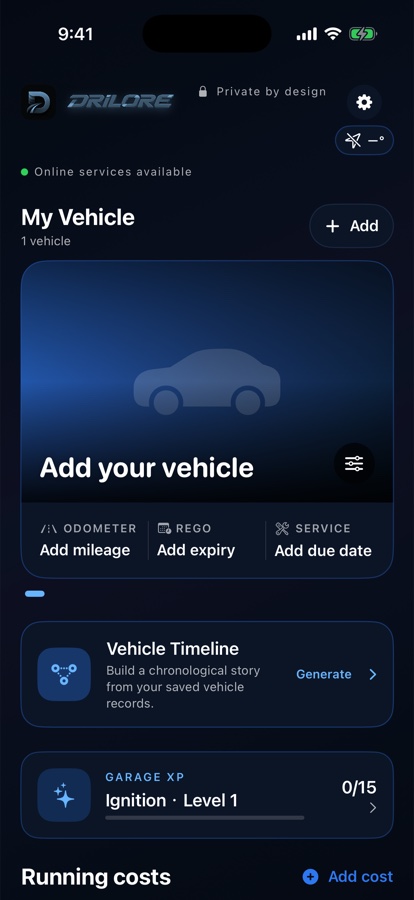
Real earlier Drilore 1.1 simulator examples with no customer data. Newer beta layouts may differ.
Capture or select up to 12 photos, check their order and keep them with one expense. Recognition runs on the device; every field remains a draft.
Review the workshop, date, total, odometer and completed work. Approve suggested work separately, then mark recommendations done or reopen them.
The normal starting suggestion is 12 calendar months after the confirmed service date. Edit it to the vehicle’s schedule; an older record must not replace a newer reminder.
One short workflow
Evidence and limits
A purchase contract date, booking date or recommended job is not proof of completed servicing. Recognition can be wrong; keep the pages and confirm the actual transaction.
Read the multi-page invoice and correction instructions →Use it with confidence